Do I need an account?
▼
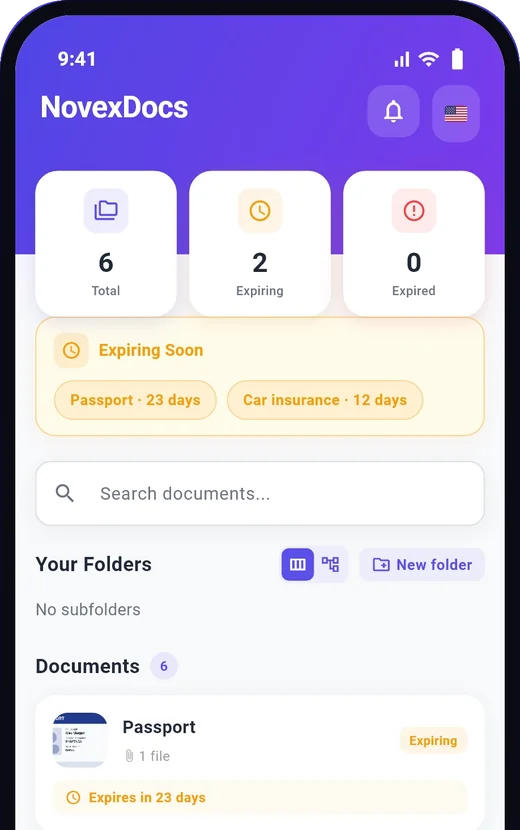
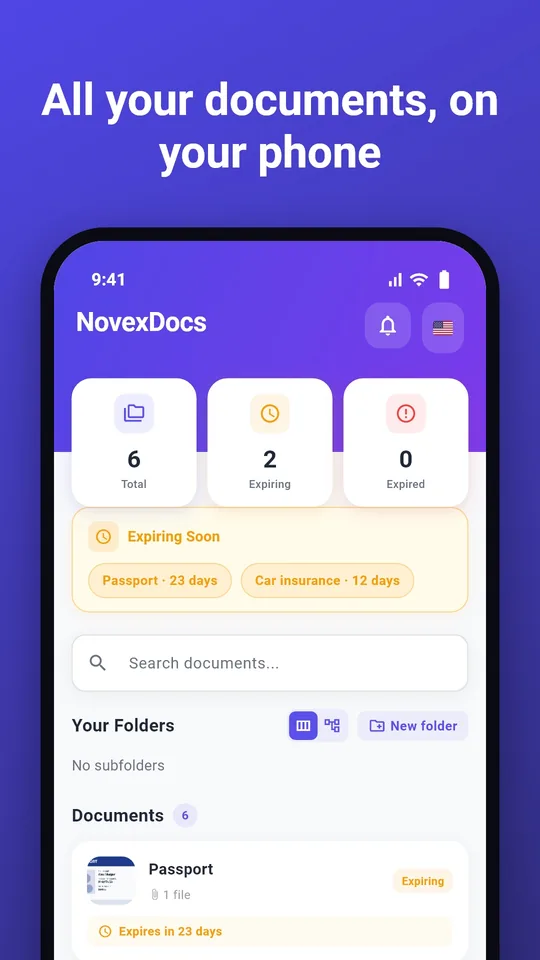
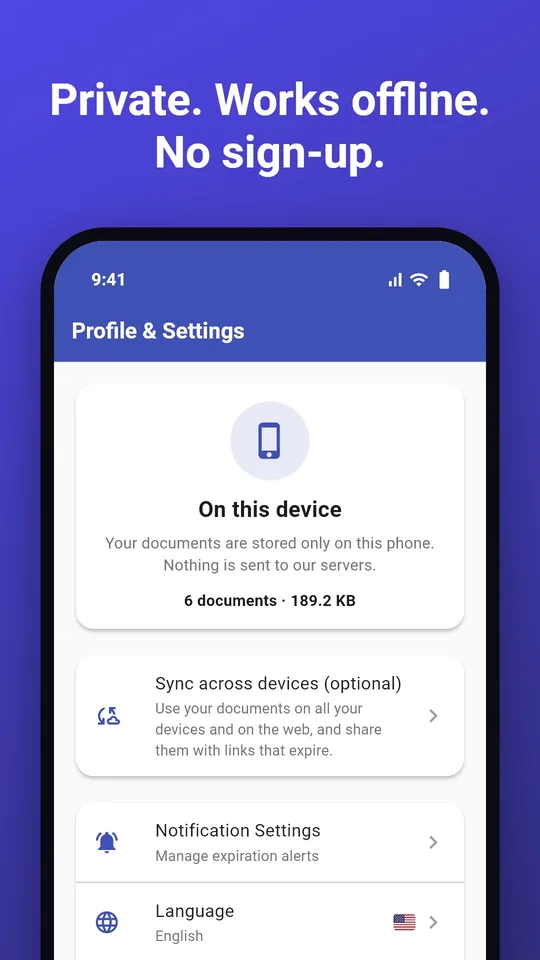
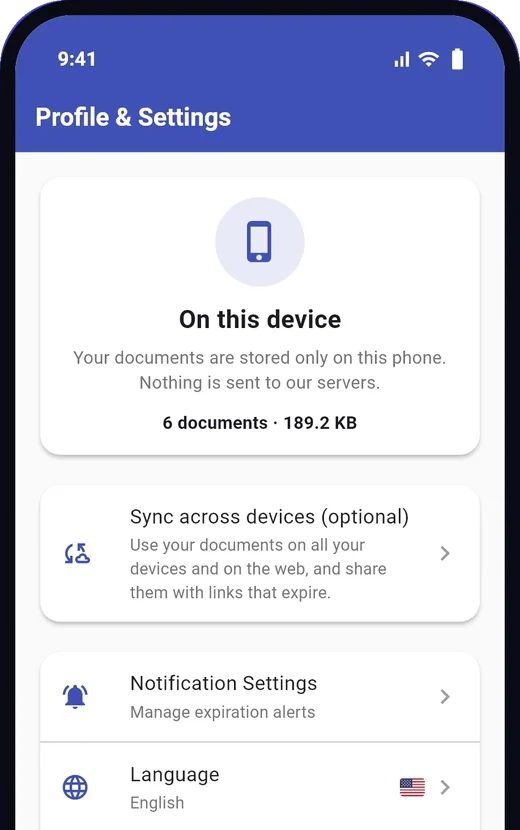
No. Install the app and start adding documents; they are stored on your phone only. You need an account only if you want to sync your documents across devices, use them on the web, share them with links that expire, or buy a plan. You can sign in later from Profile, and the app asks before it uploads anything.
Does it work without internet?
▼
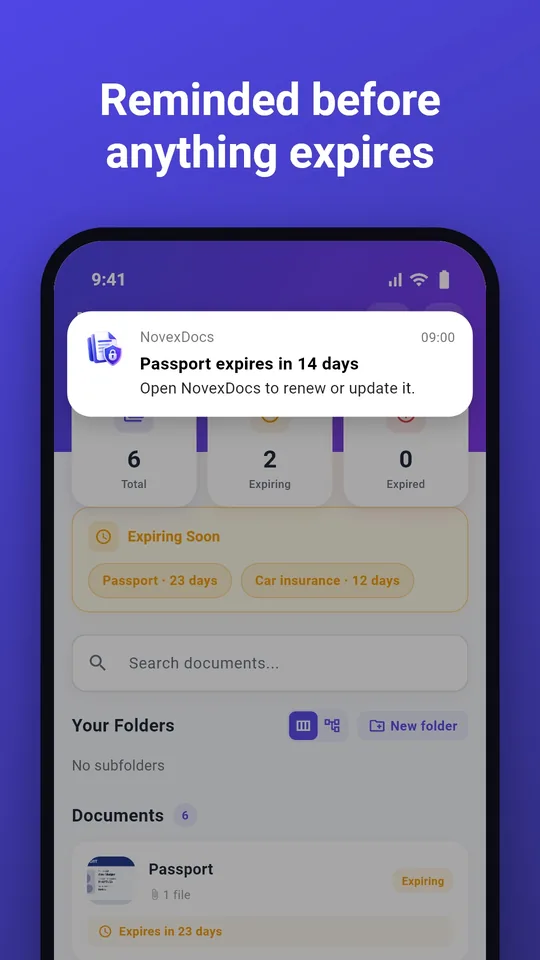
Yes. Viewing, adding, editing, searching and expiry reminders all work offline. Only the optional AI scan and sync need a connection. If you are signed in, changes you make offline sync automatically when you are back online.
How do I back up my documents or move to a new phone?
▼
In Profile, choose "Export backup" and set a password. The app makes an encrypted backup file that you can save to Files or Google Drive, or send to another app. On your new phone, choose "Restore backup", or just open the file with NovexDocs, and enter the password. Without the password the file cannot be read, so keep it somewhere safe. If you sign in, your synced documents also come back when you sign in on the new phone.
Is my data secure?
▼
Without an account, your documents never leave your phone (except a single image you choose to scan with AI). If you sign in to sync, your documents are encrypted at rest with AES-256 and in transit with TLS 1.2 or higher, stored on AWS infrastructure with strict access controls. We never sell your data, never share it with advertisers, and only authorized employees can access synced data on a strict need-to-know basis (for example, to provide customer support if you request it). For full details, see our Privacy Policy.
How does the AI scan work?
▼
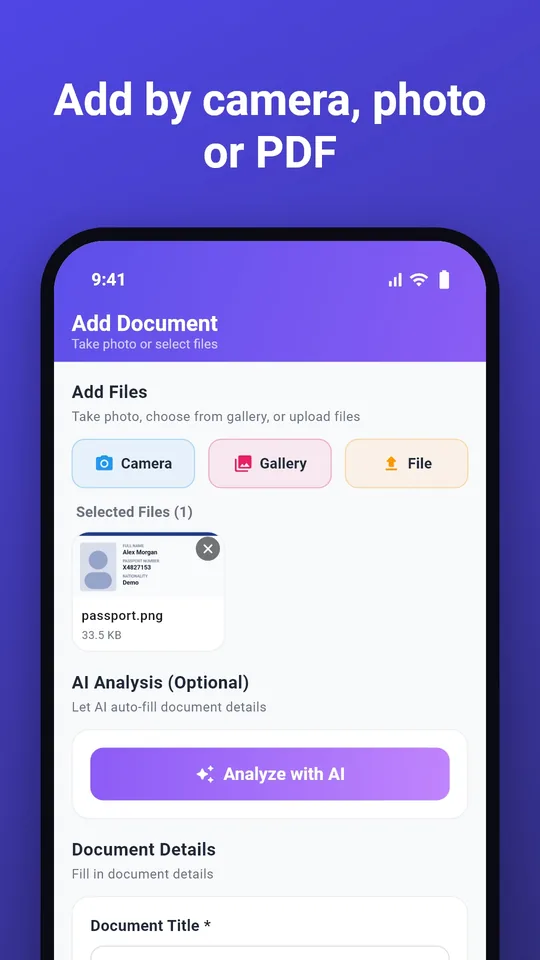
The AI scan is optional and the app asks you each time. The image is sent securely to our AI partner Anthropic, which reads it and returns fields such as names, dates and document numbers; you can edit anything before saving. Without an account the image is processed and deleted straight away, and only the fields come back to your phone. Anthropic does not use customer data to train its models. The Free plan includes 5 scans a month, with or without an account. If you prefer not to use AI, just type the details yourself.
Can I cancel anytime?
▼
Yes. You can cancel your subscription at any time from your account settings. You'll keep access until the end of your billing period.
What languages are supported?
▼
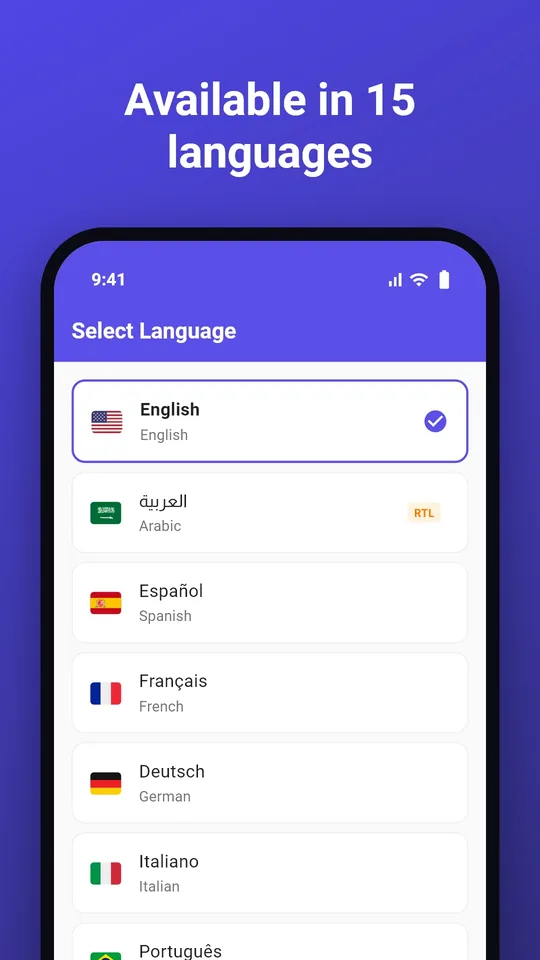
NovexDocs is available in 15 languages: English, Arabic, Spanish, French, German, Italian, Portuguese, Russian, Indonesian, Turkish, Urdu, Hindi, Chinese, Japanese, and Korean.
Is there an iOS app?
▼
Yes. NovexDocs is on the App Store for iPhone and on Google Play for Android. You can also use it on the web.
What happens if I delete my account?
▼
When you delete your account, all your documents and personal data are permanently deleted from our servers within 30 days. This action cannot be undone. Documents you keep only on your phone were never on our servers; to remove them, delete them in the app or uninstall it.